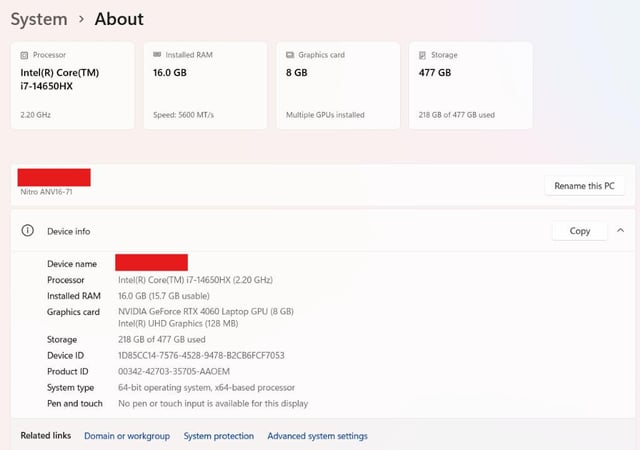
Hi. I’ve encountered a problem with my company laptop whenever I bring it home. Since we have a WFH setup, I’m allowed to bring and use the laptop at home.
At home, my setup is:
The charger is connected directly to the wall socket (not through an extension cord).
I’m using Wi-Fi only.
No external monitor or other peripherals are connected.
The problem is that whenever I try to turn it on at home, it won’t start. There is an indicator light showing that it’s charging, and the power indicator also turns on, but it only stays on for around 5 seconds before turning off.
I already tried the troubleshooting methods I found online, including pressing and holding the power button for 15, 30, 45, and 60 seconds, as well as plugging and unplugging the charger, but nothing worked.
Because of this, I decided to report to the office today so IT could check the laptop. However, when I arrived at the office and pressed the power button, the laptop suddenly turned on normally. I only pressed the power button once—I didn’t hold it down.
This made me confused about what could be causing the problem.
The main difference between my setup at home and at the office is:
At home:
Charger directly connected to the wall socket
Wi-Fi connection
No HDMI/external monitor
No LAN cable
At the office:
Charger connected to an extension cord
HDMI connected to an external monitor
LAN cable connected for internet
Could any of these differences be causing the issue? I’m wondering if the problem could be related to the power source, grounding, the external monitor/HDMI, or something else.
https://i.redd.it/aajj2jmmxtmh1.jpeg
Source: r/AcerNitro · by /u/UnluckyLettuce7171