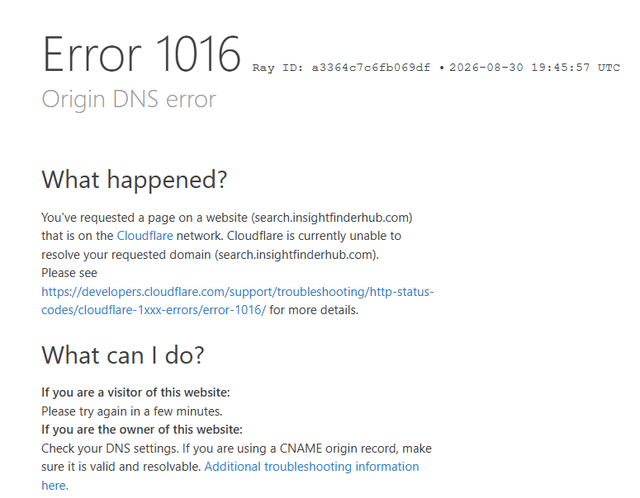
It took me years to fix but I finally did it for windows!!!
I had this problem for years where searching on Google would sometimes redirect me to:
search.insightfinderhub.com
and then I’d get a Cloudflare Error 1016 – Origin DNS error.
I tried a ton of things first: checking Chrome extensions, Chrome policies, DNS settings, proxy settings, the HOSTS file, registry entries, Windows Defender Offline scan, AdwCleaner, and even using a different internet connection/hotspot. The redirect also happened in Edge, Guest mode, and InPrivate, so it wasn’t just a Chrome extension.
What finally fixed it was doing a Windows clean boot:
Press Windows + R
Type msconfig and press Enter
Go to the Services tab
Check Hide all Microsoft services — this part is important
Disable the remaining non-Microsoft services
Click Apply / OK
Restart the computer
After restarting, Google searches started working normally again and stopped redirecting to search.insightfinderhub.com.
I restarted the PC again afterward just to make sure, and the fix stayed working.
So in my case, some third-party Windows service running in the background was apparently hijacking or redirecting my searches. If you have this exact search.insightfinderhub.com problem and all the normal browser fixes do nothing, try a clean boot.
https://i.redd.it/xjj3csybflmh1.png
Source: r/chrome · by /u/Jmesparza05