 |
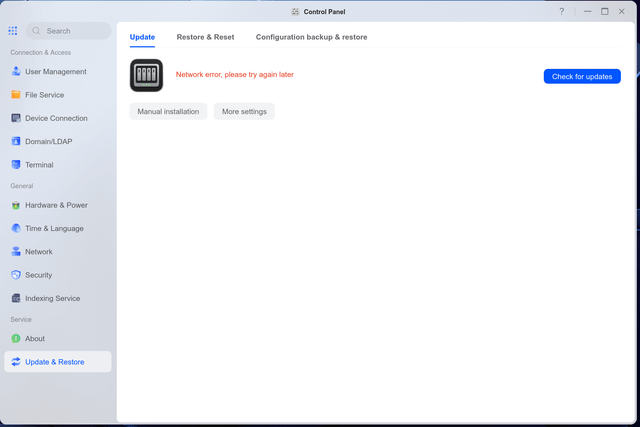
I just recently update my UGreen NAS (DXP6800 Pro) to the latest firmware: 1.18.1.0098 As soon as the update is done, I can't access my NAS login page. I was getting network errors. I can still access my previously mounted network shares and open/play files normally so I know the hard drives are fine and my LAN is OK too. After further investigation, I noticed that after updating, my NAS keeps trying to connect to IP Address: 223.5.5.5 … a quick search online shows this:
That's the problem! Instead of the NAS using my specified DNS that I use, it was trying to use this Alibaba one which simply won't work on my network 'coz of how I have it set up. Additionally, I live in the USA so I shouldn't be using a DNS that is located in China! Please fix this UGreen fast! This is a simple oversight mistake. Your UGreen NAS users are not only located in China! This new firmware update overrides whatever DNS I manually put in the NAS which shouldn't be! If some of you are getting laggy/dropped connections/network errors after updating your UGreen NAS firmware to 1.18.1.0098, I believe this is the reason—the new firmware is forcing us to use a DNS server that is located all the way from China! submitted by /u/Xellazz to r/UgreenNASync |
![[link]](https://i.redd.it/94ccj22ckphh1.png)
Source: r/UgreenNASync · by /u/Xellazz