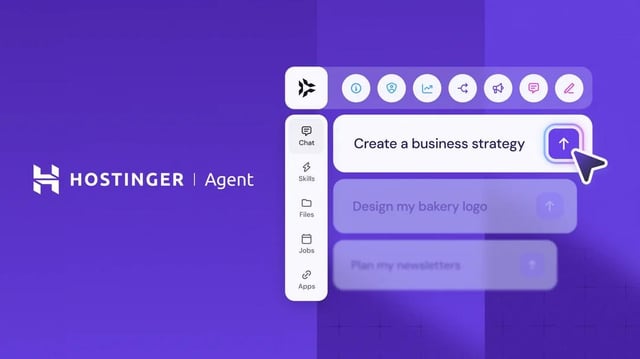
We have merged Kodee and Agents into one: the new Hostinger Agent. If you have opened hPanel recently, you may have already spotted it. Whether you used Kodee for support questions or the separate AI Agents dashboard for business tasks, both now live in the same place.
Hostinger Agent is smarter and more capable, since it brings the best of both tools together. You can get support help and work on business tasks in the same conversation, without switching between tools. And your conversations, history, and data are all still here, migrated automatically.
1. One place instead of two
Before, Kodee was the AI assistant in hPanel for support and troubleshooting, and the specialized AI agents lived in a separate Agents dashboard for business tasks like content creation, SEO, scheduling social media posts, or strategy. Now it is all one assistant. You can open it in hPanel from the sidebar by clicking Agent, or from the top-right by clicking Ask AI.
2. Two modes, one chat
You can switch between two modes using the mode selector next to the chat input, before sending a message. Agent mode: it gives you the premium capabilities, like file creation and scheduled jobs. Support mode gives you quick help with your account, hosting, and websites. If you ask something better suited to the other mode, Hostinger Agent suggests switching instead of leaving your question unanswered. And if you ask for human support, you are transferred to a specialist regardless of which mode you are in.
3. What it can actually do
Hostinger Agent does not just answer questions. It can take direct actions on your account, like managing DNS records, restarting a VPS, or starting a website migration. For anything irreversible or high-impact, such as deleting a record or making a purchase, it pauses and shows a confirmation card first.
4. It can build, not just manage
Beyond fixing and managing what you already have, Hostinger Agent can create things directly: build a website for you, generate content, put together SEO plans, draft legal documents, and shape business strategies. There is more, like app integrations, image generation, and web search. The full rundown is in Hostinger Agent: Features and overview.
Have you tried the new Hostinger Agent yet? We are curious about your experience so far, whether that is fixing something on your site or getting a business task done. Share what you have used it for in the comments.
https://i.redd.it/fjknea07i3nh1.jpeg
Source: r/Hostinger · by /u/HostingerCOM