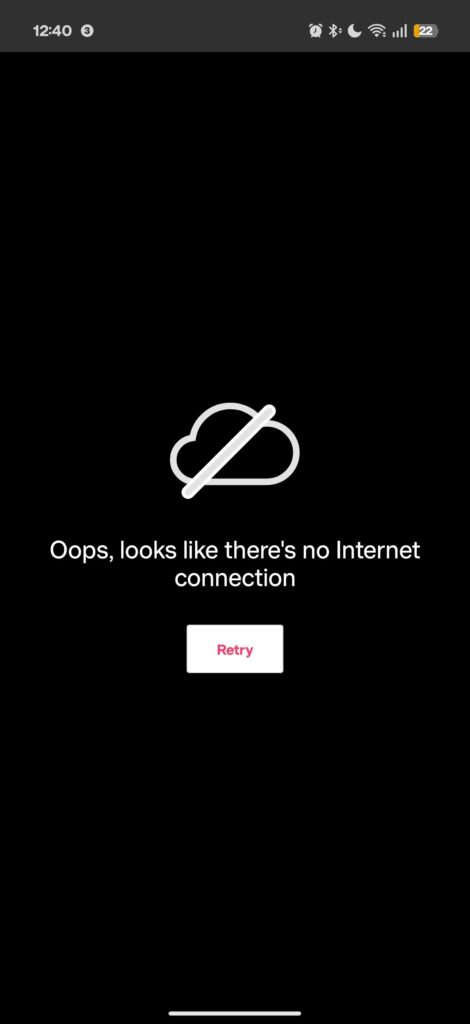
I recently got a Fitbit Charge 6, and I've been unable to access the Watch Faces or Apps sections in the Health app on my OnePlus 15.
Every time I try opening either section, I get the following error:
“Oops, looks like there's no Internet connection.”
My internet connection works perfectly fine, and I've tried pretty much every troubleshooting solution I could find, including:
– Switching between Wi-Fi and mobile data
– Disabling Private DNS
– Disabling VPNs and ad blockers
– Checking app network permissions and background data access
– Clearing the app cache
– Force-stopping and restarting the app
– Restarting my phone
– Checking for app updates
Unfortunately, nothing has worked.
My setup:
– Phone: OnePlus 15
– OS: OxygenOS 16
– Tracker: Fitbit Charge 6
– App: Google Health
I've seen other people reporting similar issues, so I'm wondering whether this is a Google server-side problem, an OxygenOS compatibility issue, or something else entirely.
I'd appreciate any suggestions beyond the standard troubleshooting steps. Thanks!
https://i.redd.it/8nw6jtul2rwh1.jpeg
Source: r/fitbit · by /u/FarisDawood