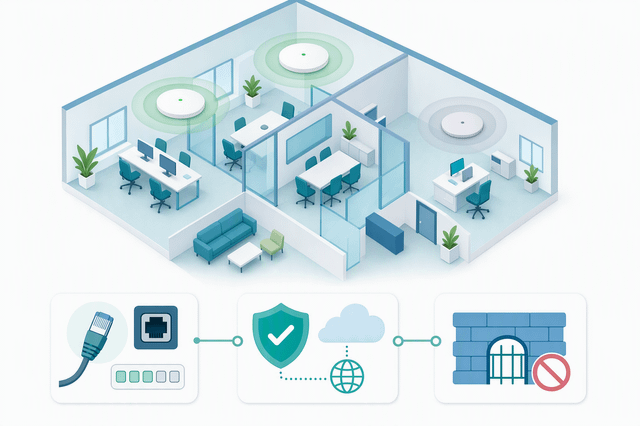
An access point that reports offline in Nebula Control Center is not always a dead access point. Very often the radio is still serving clients and only the management channel to the cloud is broken. Checking things in the wrong order is what turns a ten minute fix into an afternoon. Here is a sequence that separates the two halves of the problem quickly.
Step 1: Decide which half is broken
- Clients still associating and passing traffic? Then the LAN side is probably fine and you are chasing a cloud connection issue.
- No LEDs at all, or a red power LED? Stop here. Recheck the power source and cabling first, and treat it as a hardware issue if nothing changes (NCC User's Guide V20.10, Troubleshooting).
Step 2: Confirm the AP actually has an IP
- By default the AP takes its address from DHCP. Confirm it received one before blaming the cloud.
- The Internet status circle on the AP's local dashboard names the failure for you: missing default gateway, cannot get an IP from your DHCP server, gateway unreachable, IP conflict, NTP DNS query failed, NTP update failed (Zyxel Community FAQ, Nebula Access Point).
Step 3: Log in locally the right way
- If the AP never went online and is still in standalone mode, the local GUI uses the default credentials, and NCC Discovery has to be ON.
- If the AP was in cloud mode and then dropped, it already applied a site-wide password. Look it up in Site-wide > Configure > Site settings: Local credentials, not in your old notes.
Step 4: Check name resolution, then ports
- Resolution first: an nslookup of d.nebula.zyxel.com returning "unknown host" points at your DNS server, and the documented workaround is to set 8.8.8.8 on the device. The NETCONF domain d2.nebula.zyxel.com should resolve too.
- Then ports. Management traffic needs TCP 22, 443, 4335 and 6667 plus UDP 123 for NTP. Port 4335 blocked by a local firewall or an ISP is one of the most common causes. The current list lives in Help > Support tools > Firewall information.
Step 5: The odd one people forget
- A small MTU can make switches appear offline. The guide asks for an MTU larger than 1500 bytes on the relevant WAN or LAN interface.
What this order buys you
- Power and cabling, then IP, then DNS, then ports. Each step rules out a whole category instead of a single setting.
- If everything above checks out, collect the diagnostics file from the device's maintenance page before opening a case. It saves a full round trip with support.
Sources: Nebula Control Center User's Guide V20.10, Troubleshooting chapter: https://download.zyxel.com/Nebula_CC/user_guide_web/NCC_V20.10/h_Troubleshooting.html and Zyxel Community FAQ "What to do if the AP is offline": https://community.zyxel.com/en/discussion/31622/nebula-what-to-do-if-the-ap-is-offline
When one of your APs goes offline in the dashboard, what is the first thing you check, and how often does it turn out to be a blocked port rather than the AP itself?
https://i.redd.it/1bheugxwh6rh1.png
Source: r/ZyxelStore · by /u/ZyxelStore